
Overview
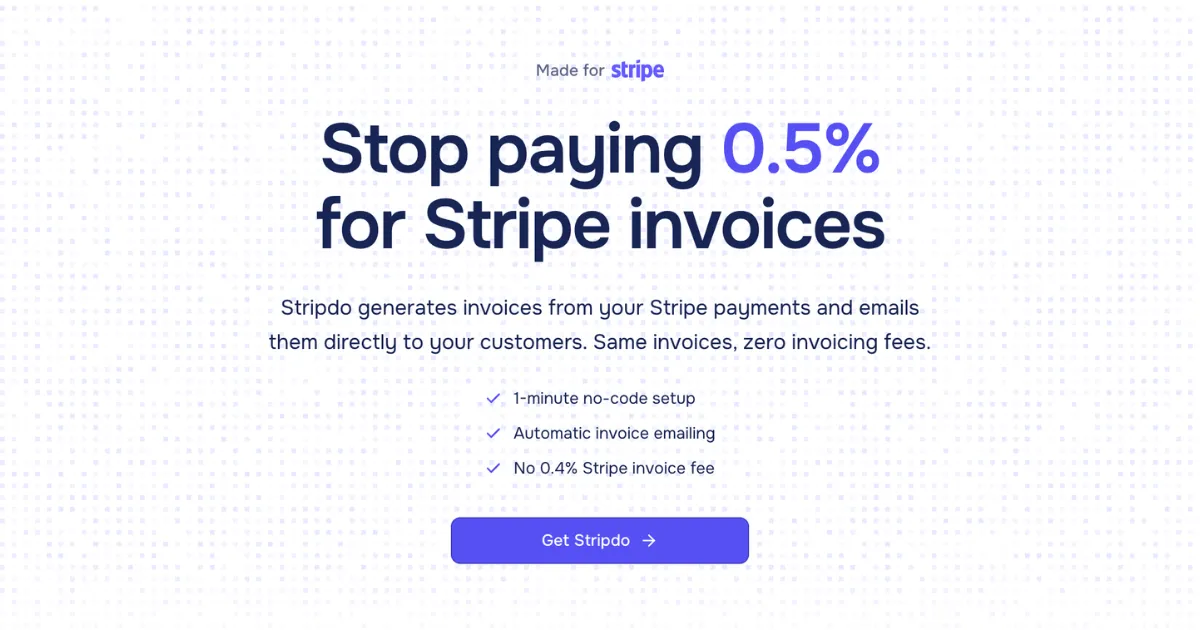
Stripdo is a specialized SaaS tool designed to help businesses using Stripe payment processing avoid the platform's 0.4% invoicing fee. The product positions itself as a direct alternative to Stripe's built-in invoicing feature, offering identical functionality—automatic invoice generation and email delivery—but at a fixed annual cost rather than a per-invoice percentage. Built specifically for Stripe users, it targets businesses of all sizes that process regular payments through Stripe and need professional invoicing capabilities.
The core problem Stripdo addresses is what it calls "hidden" or "unnecessary" fees. While Stripe charges 2.9% + $0.30 for payment processing, it adds an additional 0.4% fee (capped at $2) for generating and emailing invoices through its Invoicing product. For businesses sending hundreds of invoices monthly, this can amount to thousands of dollars annually. Stripdo's value proposition is straightforward: provide the same invoice generation and delivery service for a flat $39-$59 per year, regardless of invoice volume.
The market for Stripe alternatives and complementary tools has grown significantly as Stripe's ecosystem expands. While there are numerous invoicing solutions available—from QuickBooks and Xero to FreshBooks and Zoho Invoice—Stripdo differentiates itself by being purpose-built for Stripe integration. It doesn't aim to replace comprehensive accounting systems but rather to handle the specific invoice generation workflow that occurs after Stripe payments are processed. This focused approach allows for minimal setup (claiming under one minute) and seamless automation.
Key Features
Automatic Invoice Generation - Whenever a payment is processed through Stripe, Stripdo automatically creates a professional PDF invoice using the transaction data. The system pulls customer information (name, email, address, VAT details) from Stripe and formats it into a standardized invoice template. This happens in real-time through webhook integration, requiring no manual intervention once configured.
Direct Email Delivery - Generated invoices are emailed directly to customers without requiring users to manually send them. The system handles the entire delivery process, including tracking email delivery status. This ensures customers receive invoices promptly after payment, improving cash flow visibility and reducing administrative overhead for businesses.
Bulk Management Dashboard - Users can view, download, or re-send any invoice through a centralized admin panel. The interface supports bulk PDF downloads for multiple invoices, making it easy to export records for accounting purposes or audits. This centralized management replaces the need to navigate through individual Stripe transactions to access invoice documents.
Sequential Invoice Numbering - The system automatically applies sequential invoice numbers to maintain professional record-keeping standards. This feature ensures invoices follow a logical numbering system that many accounting practices and tax authorities require, eliminating the need for manual numbering or spreadsheet tracking.
Custom Branding Options - Available in the Pro plan ($59/year), users can add their company logo and details to every PDF invoice. This maintains brand consistency across customer communications and presents a more professional image than generic invoice templates. The customization extends to including company contact information and branding elements.
Multi-Account Support - The Pro tier supports unlimited Stripe accounts, making it suitable for agencies, freelancers, or businesses managing multiple Stripe instances. This allows users to consolidate invoice generation across different projects, clients, or business entities under a single Stripdo subscription.
No-Code Setup - The entire configuration process requires only pasting a restricted Stripe API key, with no coding knowledge needed. Stripdo automatically creates the necessary webhook and begins listening for payment events. The website emphasizes this can be completed in under one minute, significantly reducing implementation barriers compared to custom development solutions.
How It Works
The user journey with Stripdo follows a remarkably streamlined three-step process designed for minimal friction. First, users sign up for a Stripdo account and navigate to the connection settings. Here, they generate a restricted API key from their Stripe dashboard—with permissions limited to reading payments and customer data—and paste it into Stripdo's interface. The system automatically configures a webhook endpoint in the user's Stripe account and begins monitoring for payment events.
Once connected, the automation takes over completely. When a customer makes a payment through Stripe (whether via checkout, payment links, or API), Stripe sends a payment.succeeded webhook event to Stripdo. The system immediately processes this event: it retrieves the complete transaction details from Stripe, including customer information, payment amount, taxes, and any metadata. Stripdo then generates a PDF invoice using this data, applying the user's branding (if configured) and sequential invoice numbering.
The final step happens automatically: Stripdo emails the PDF invoice directly to the customer using the email address associated with the Stripe customer record. Users can monitor this process through their Stripdo dashboard, which shows all generated invoices, their delivery status, and provides options to download or re-send if needed. For historical data, users can manually trigger invoice generation for past Stripe transactions through the interface, though this appears to be a manual process rather than automated bulk import.
The entire workflow requires no ongoing maintenance or manual intervention. Users continue using Stripe normally for payment processing, while Stripdo operates silently in the background handling the post-payment invoicing. The separation of concerns—Stripe for payment collection, Stripdo for invoice generation—simplifies the user experience while providing specialized tools for each function.
Use Cases
Solo SaaS Founders - A single founder operating a B2B SaaS product with 100+ monthly subscriptions at $200 each would save approximately $960 annually by switching from Stripe Invoicing to Stripdo. The automatic emailing ensures enterprise customers receive proper invoices for accounting purposes, while the founder avoids manual invoice creation that would otherwise consume valuable development or customer support time.
Digital Agencies - A mid-size marketing agency managing 15+ client accounts through separate Stripe instances can use Stripdo's Pro plan to handle invoicing across all accounts. When clients pay for monthly retainers or project milestones, invoices are automatically generated and branded with the agency's logo, maintaining professional consistency while eliminating per-invoice fees that would compound across multiple clients.
E-commerce Stores - An online retailer processing 500+ transactions monthly at an average of $150 would pay $3,600 annually in Stripe invoicing fees. With Stripdo's flat $39 fee, they save $3,561 while ensuring customers receive proper invoices for business expense tracking. The bulk download feature allows quarterly export of all invoices for accounting reconciliation.
Freelance Developers - Independent contractors who bill clients through Stripe payment links can automate their invoicing without learning complex accounting software. Each time a client pays for completed work, Stripdo generates a numbered invoice with the freelancer's contact details, creating proper documentation for both parties while saving the 0.4% fee that would otherwise reduce their earnings.
Subscription Box Businesses - Companies with recurring monthly subscriptions can ensure customers receive invoices for each billing cycle automatically. This reduces customer support inquiries about payment documentation and provides subscribers with proper records for expense management, all while avoiding the cumulative effect of per-invoice fees on thin-margin subscription models.
Pricing & Value
Stripdo offers two straightforward pricing tiers, both with annual billing. The Starter plan costs $39 per year and supports one Stripe account with unlimited invoices, automatic emailing, and bulk invoice download capabilities. The Pro plan costs $59 per year and adds unlimited Stripe accounts and custom logo placement on invoices. Both plans include all core features—automatic generation, email delivery, sequential numbering, and dashboard access—with the only differentiation being multi-account support and branding.
The value proposition is mathematically compelling for most businesses. Using the calculator on their website, a business sending 100 invoices monthly at $200 each would pay $960 annually with Stripe Invoicing versus $39 with Stripdo—a 96% savings. At 500 invoices monthly, the savings reach $12,000 annually. Even for very small volumes (10 invoices monthly at $50 each), Stripdo breaks even at approximately 16 invoices annually compared to Stripe's 0.4% fee.
Compared to alternatives, Stripdo's pricing is aggressive. Comprehensive accounting platforms like QuickBooks or Xero cost $25-$70 monthly but offer far more features. Dedicated invoicing tools like FreshBooks start at $17 monthly. Stripdo's niche focus allows it to undercut these while providing superior automation specifically for Stripe users. The main trade-off is the lack of features beyond invoice generation—no expense tracking, reporting, or tax preparation tools.
Final Verdict
Stripdo delivers exceptional value for its specific use case: businesses using Stripe for payments that need automated invoice generation without per-transaction fees. Its strengths are undeniable—remarkably simple setup, complete automation, and substantial cost savings for moderate to high invoice volumes. The product executes its narrow functionality well, with a clean interface and reliable-sounding automation based on Stripe's robust webhook system.
However, Stripdo is not a comprehensive solution. Businesses needing advanced invoice customization, multi-currency support, or integration with accounting software beyond basic PDF generation may find it limited. The product also depends entirely on Stripe's ecosystem and API stability—any changes to Stripe's webhook system or data structure could impact functionality.
For the right user—specifically, businesses processing regular payments through Stripe who want to eliminate the 0.4% invoicing fee with minimal setup—Stripdo is highly recommended. The pricing calculator clearly demonstrates potential savings, and the one-minute setup claim appears credible based on the technical implementation described. Those needing more robust accounting features should consider integrated alternatives, but for pure Stripe invoice automation at fixed cost, Stripdo represents a smart, cost-effective solution that delivers exactly what it promises.